Description
Code Snippets Block is a lightweight Gutenberg plugin that lets you display programming code in WordPress with syntax highlighting, copy-to-clipboard functionality, and customizable themes.
Code Snippets Block | Pricing | Support | Live Demos
Perfect for developers, programmers, educators, technical writers, and bloggers, the plugin makes it easy to showcase code snippets, source code examples, developer documentation, programming tutorials, and technical guides in a clean and professional format.
Whether you’re sharing PHP, JavaScript, Python, HTML, CSS, JSON, SQL, or other programming languages, Code Snippets Block improves readability with syntax highlighting and allows visitors to copy code instantly with a single click.
Built specifically for WordPress and Gutenberg, the plugin is lightweight, responsive, SEO-friendly, and designed for modern developer-focused websites.
🌟 Free Version Features
- One-Click Copy Button: Allow readers to copy the entire code snippet to their clipboard in a single click (customizable text/icon).
- Multiple Syntax Themes: Choose from pre-styled syntax themes (like Dark, Midnight, and Light) to match your website design.
- Responsive Code Views: Snippets wrap and resize smoothly, providing an exceptional reading experience on mobile, tablet, and desktop.
- WordPress Category Integration: All blocks are neatly grouped under a dedicated “Code” category in the Gutenberg block inserter for easy access.
- Optimized & Lightweight: Built using optimized assets that load only when a block is on the page, keeping your WordPress site lightning-fast.
🚀 Premium Pro Blocks (Unlock 16 Powerful Developer Blocks)
Upgrade to the Pro version to unlock an entire suite of interactive, high-performance developer blocks:
- Run Python (WASM): A live Python interpreter powered by Pyodide (WebAssembly) that runs directly in the reader’s browser. No server-side execution required! Lazy-loaded for speed.
- Code Screencast (Self-Typing): Create animated, character-by-character typing screen mockup walkthroughs. Perfect for showing how code is built step-by-step.
- JSON Explorer: Render complex JSON data as interactive, collapsible, and searchable tree views. Includes match-highlighting and copy-path tools.
- Regex Tester: A live regular-expression sandbox on your page where visitors can test expressions, flags, and match text with live highlighted outputs.
- Spotlight Code: Walk readers through specific lines by dimming or blurring the rest of the block, complete with captioned steps.
- Code Snapshot: Turn snippets into gorgeous mockup graphics with window chrome, customized background gradients, shadows, and download as PNG or copy image.
- API Try-It Console: A fully functional HTTP/REST API client block that allows users to send live requests (GET, POST, etc.) and view timing, status, and formatted responses.
- Annotated Code: Place clickable badges on specific code lines that reveal detailed descriptions or annotations upon hover or click.
- AI Code Explainer: Write your code and generate plain-English explanations using OpenAI or Anthropic directly inside the block editor canvas.
- Diagram as Code: Write Mermaid text and render flowcharts, sequence diagrams, class diagrams, Gantt charts, and pie charts compiled from plain text.
- Live Code Playground: An HTML/CSS/JS sandbox inside a secure iframe where visitors can edit code and see instant visual previews.
- Code Diff / Comparison: Highlight added/removed lines in Unified or Split (side-by-side) view to compare code changes.
- Multi-Tab Code Switcher: Organize snippets under tabs (e.g. npm vs yarn, or JavaScript vs PHP) to let readers easily switch.
- Terminal / Command Line: A styled terminal shell emulator with typing animations, custom prompt, and one-click copy of only executed commands.
- Remote Code Embed: Fetch and embed code from GitHub Gists, raw files, or CodePen pens while styled in your own custom theme.
- Code block: Custom WordPress Gutenberg block styling options (Custom colors, font sizes, paddings, borders, shadows, layout alignment, and line numbering).
Why Choose Code Snippets Block?
- Instant copy-to-clipboard — visitors copy your code in one click
- Syntax highlighting for all major languages — PHP, JavaScript, Python, HTML, CSS, and more
- 7 built-in color themes — match your site’s look and feel
- Gutenberg-native — inserts just like any other block
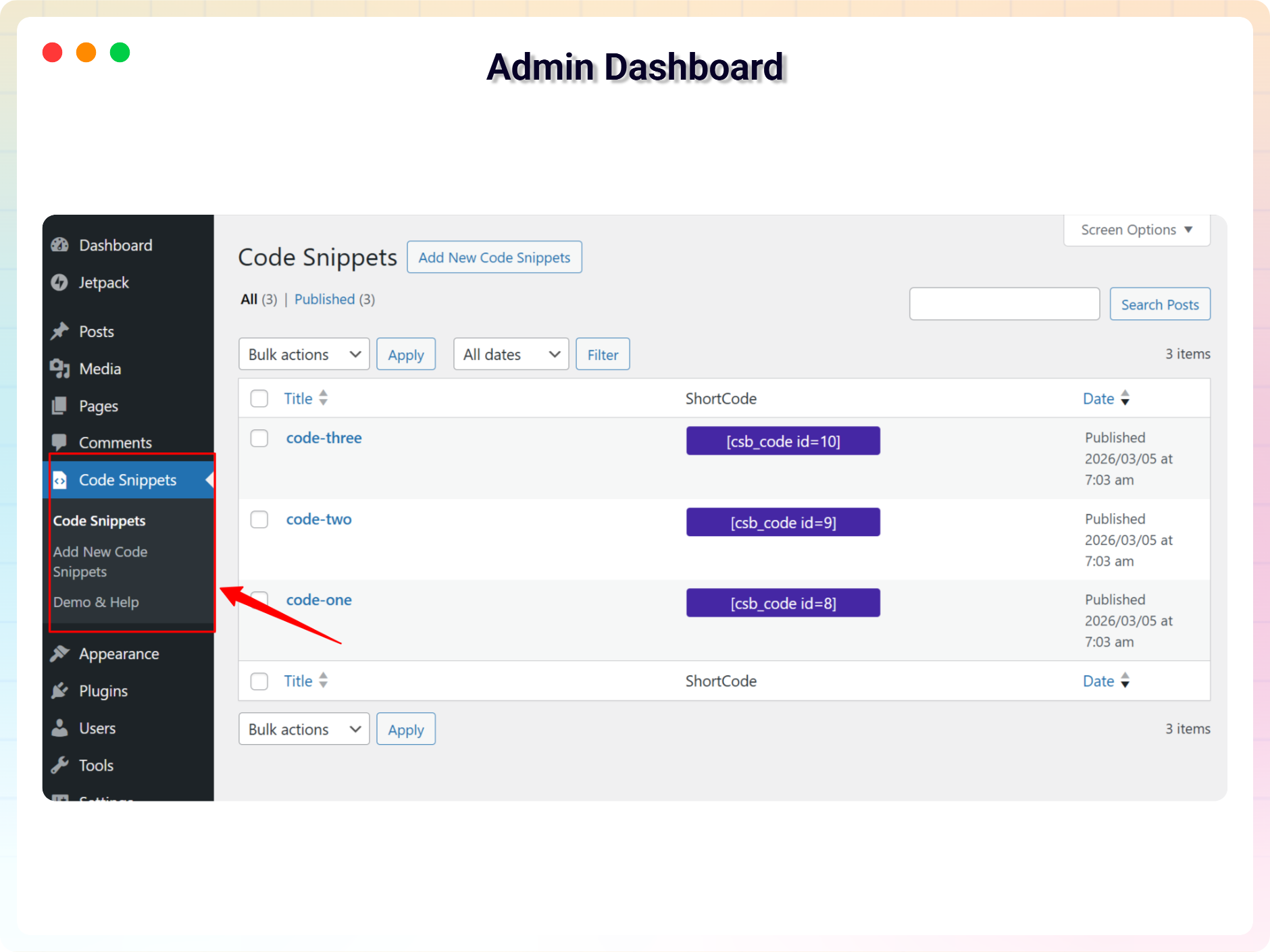
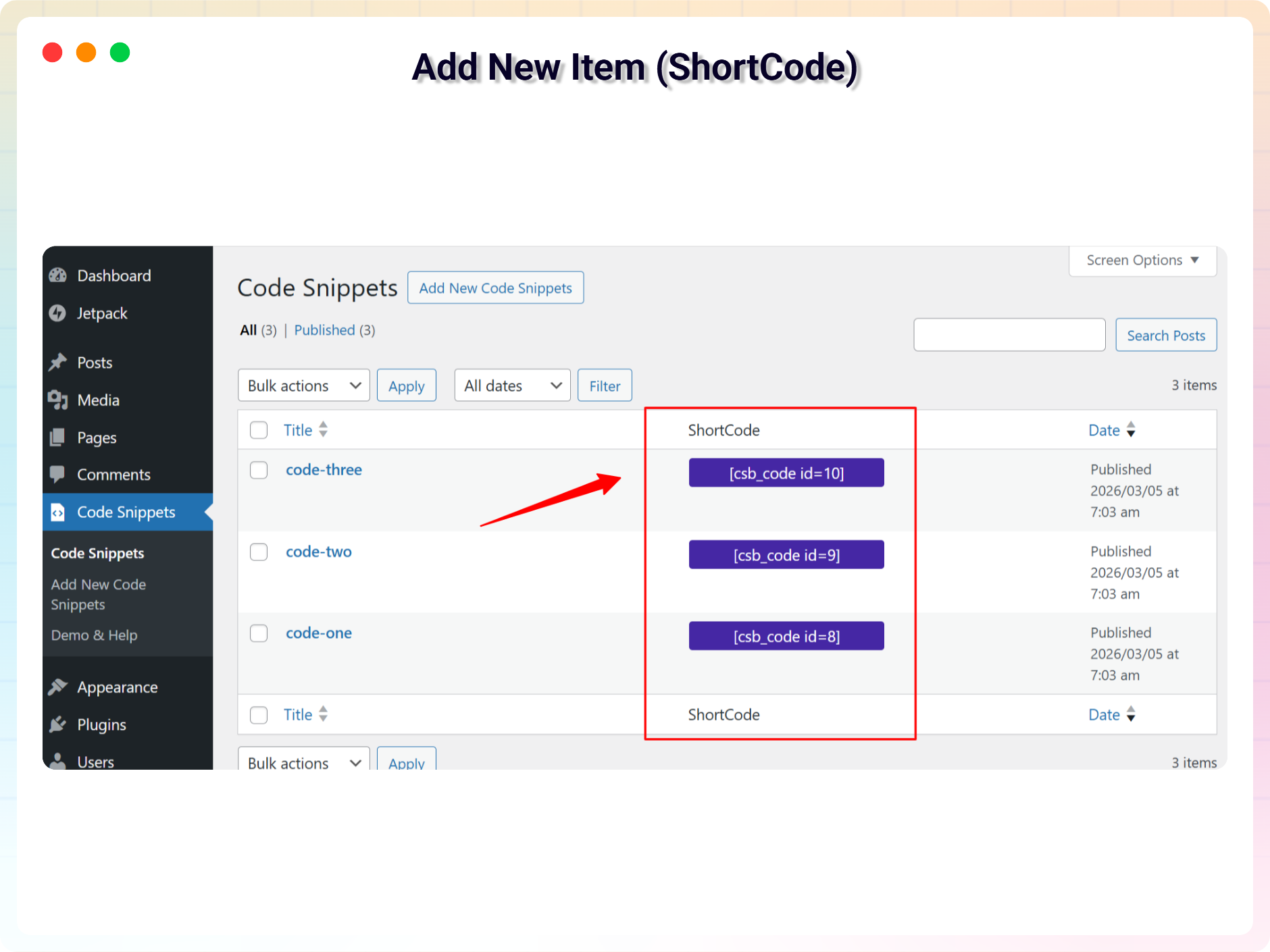
- Shortcode support — embed code snippets anywhere on your site
- Fully responsive — looks great on desktop, tablet, and mobile
- Lightweight — minimal impact on page load speed
- Works with any WordPress theme — zero compatibility issues
Common Use Cases
The plugin is useful for many types of WordPress websites:
✔ Programming Tutorials: Make your snippets easy to read and copy.
✔ Developer Documentation: Keep code examples clean and consistent.
✔ Developer Portfolios: Showcase your clean code with pride.
✔ Technical knowledge bases.
✔ Educational coding resources.
How to use
- First install the Code Snippets plugin
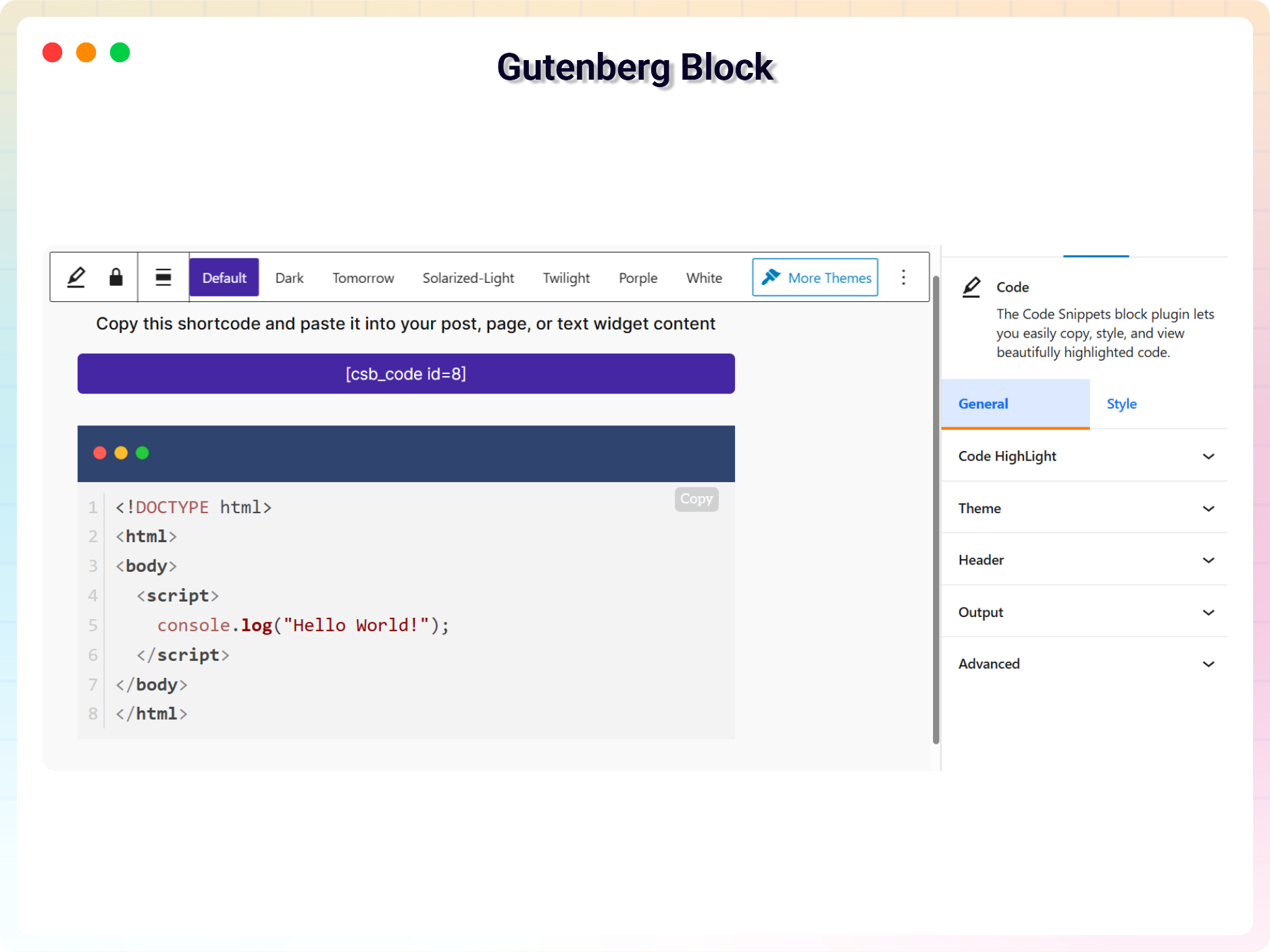
- Add the Code Snippets block from the block category called “Widgets” in Gutenberg editor.
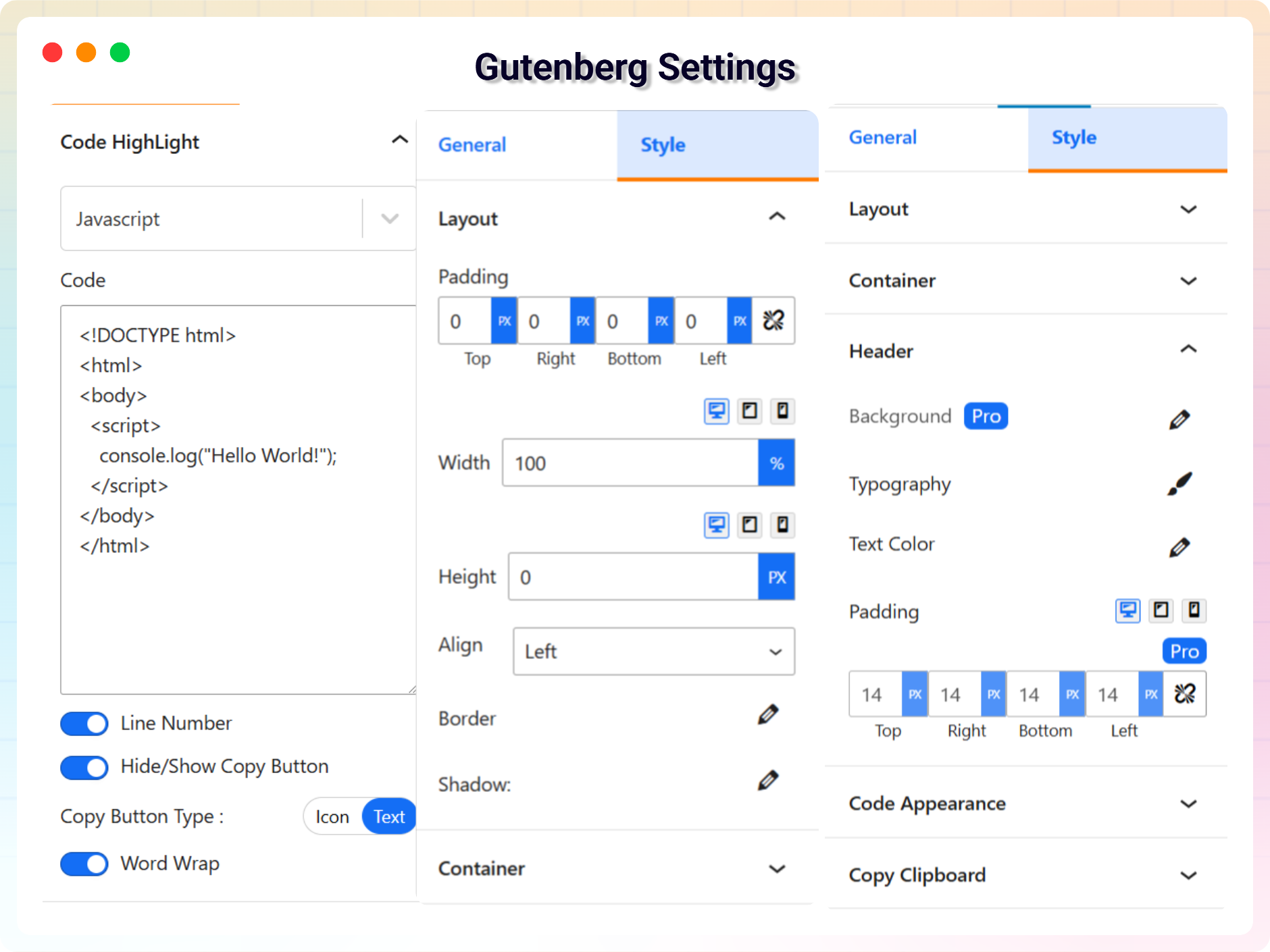
- You can change block settings from the right side settings sidebar.
-
Enjoy!
-
For installation help click on Installation Tab
Feedback
- Liked that plugin? Hate it? Want a new feature? Send me some feedback
⭐ Check out the Parent Plugin of this plugin-
🔥 b Blocks – Best gutenberg blocks collections for WordPress.
⭐ Check out our other WordPress Plugins-
🔥 Html5 Audio Player – Best audio player plugin for WordPress.
🔥 Html5 Video Player – Best video player plugin for WordPress.
🔥 PDF Poster – A fully-featured PDF Viewer Plugin for WordPress.
🔥 StreamCast – A fully-featured Radio Player Plugin for WordPress.
🔥 3D Viewer – Display interactive 3D models on the webs.
Screenshots
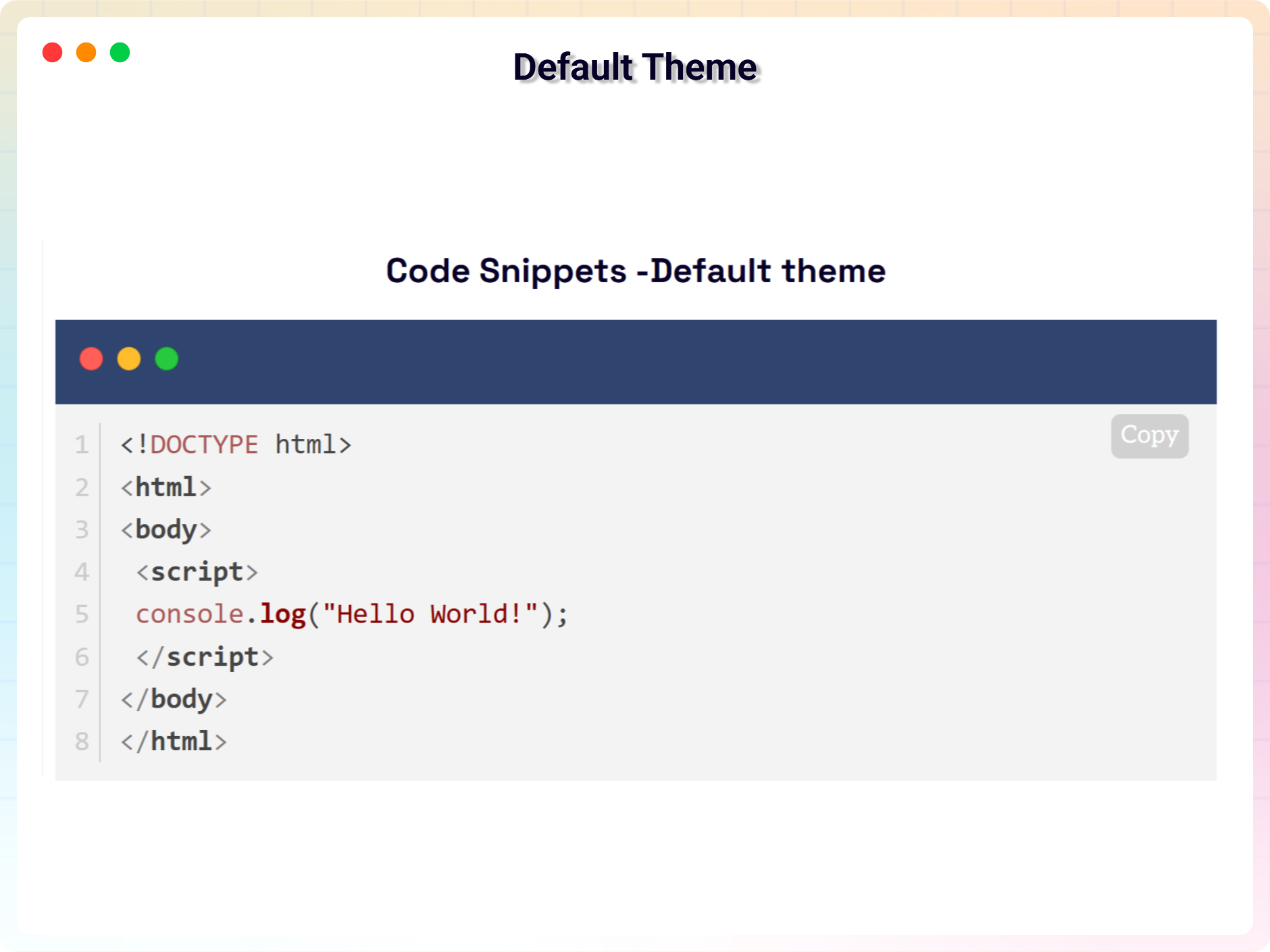
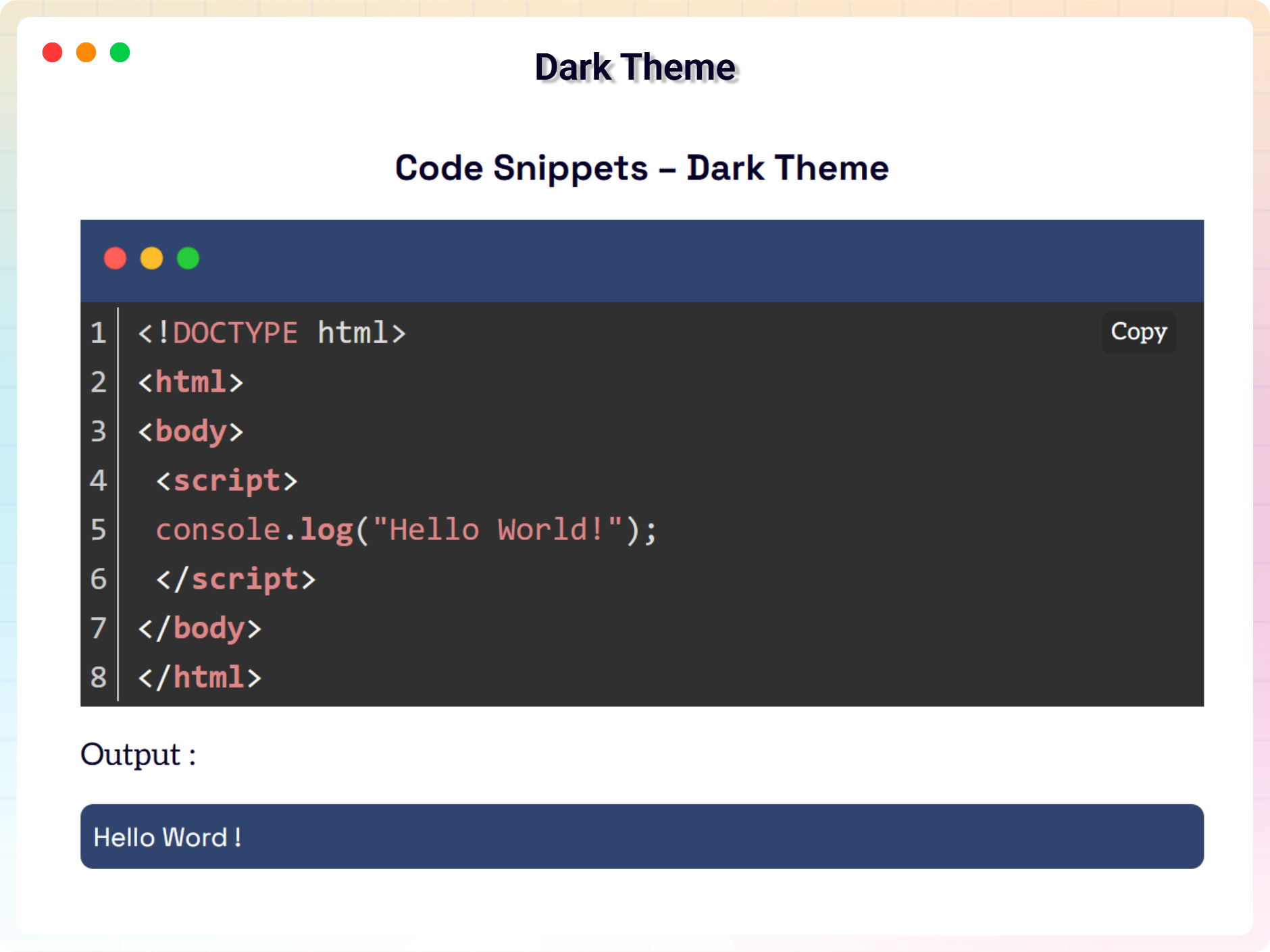
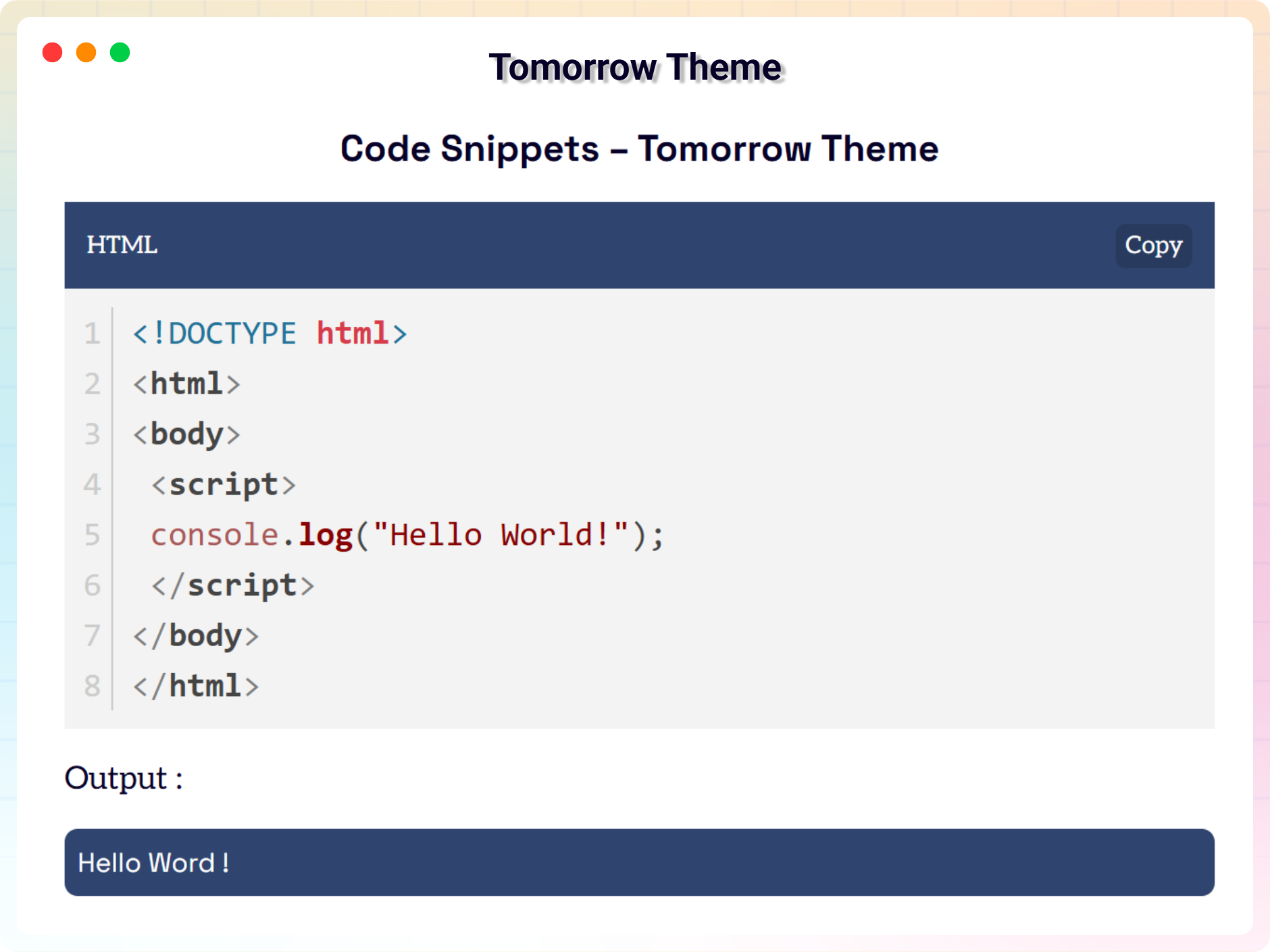
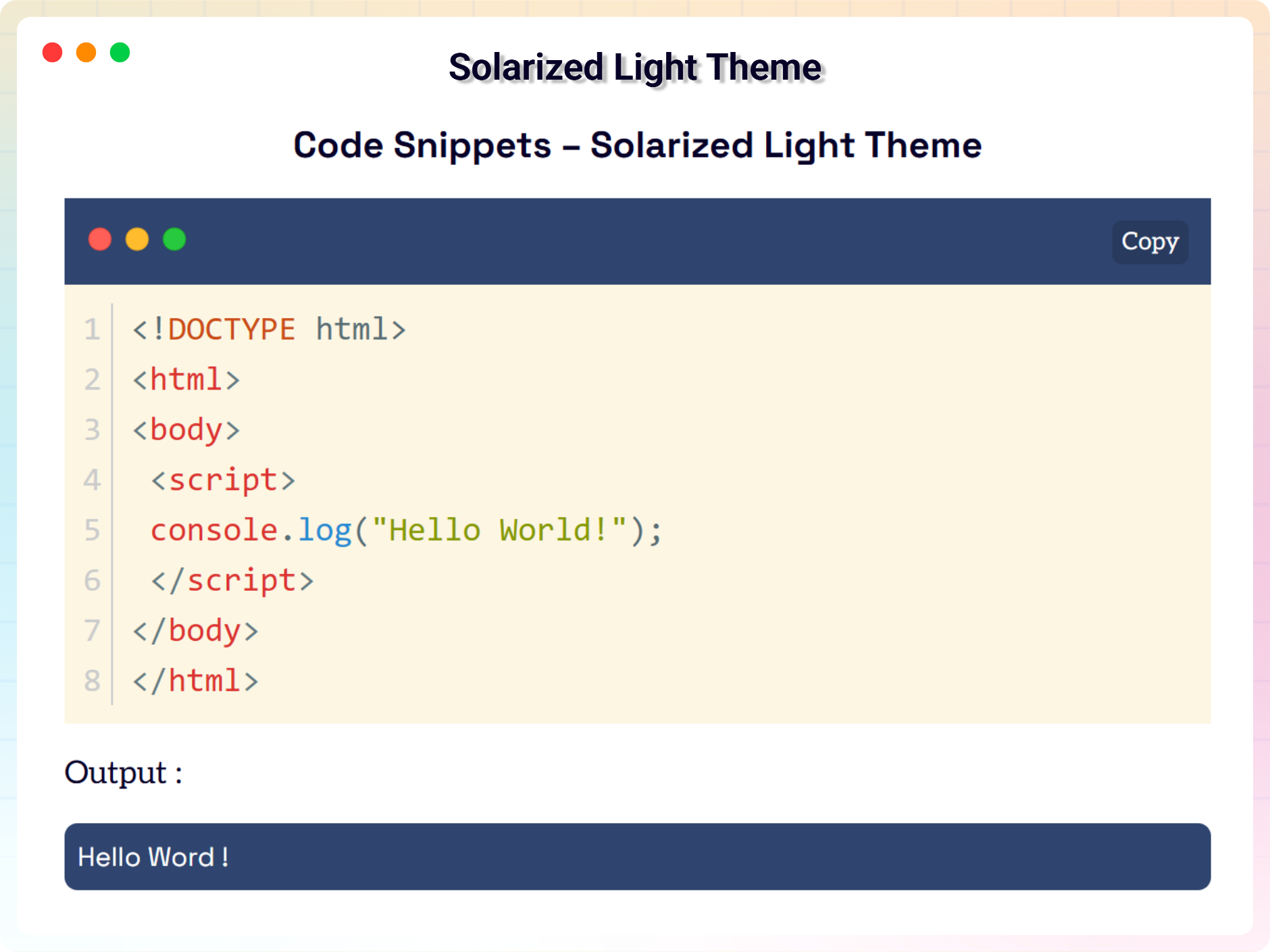
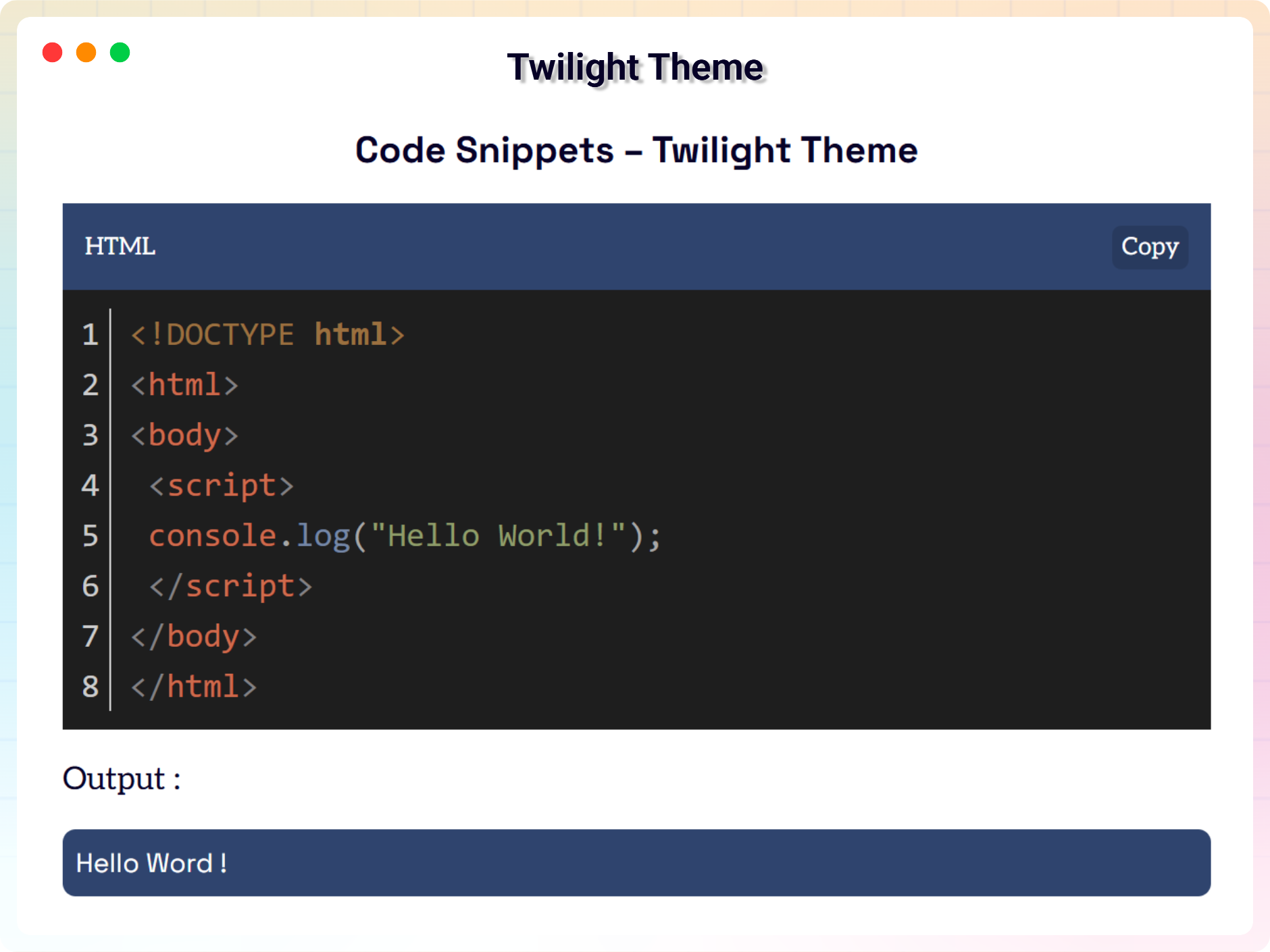
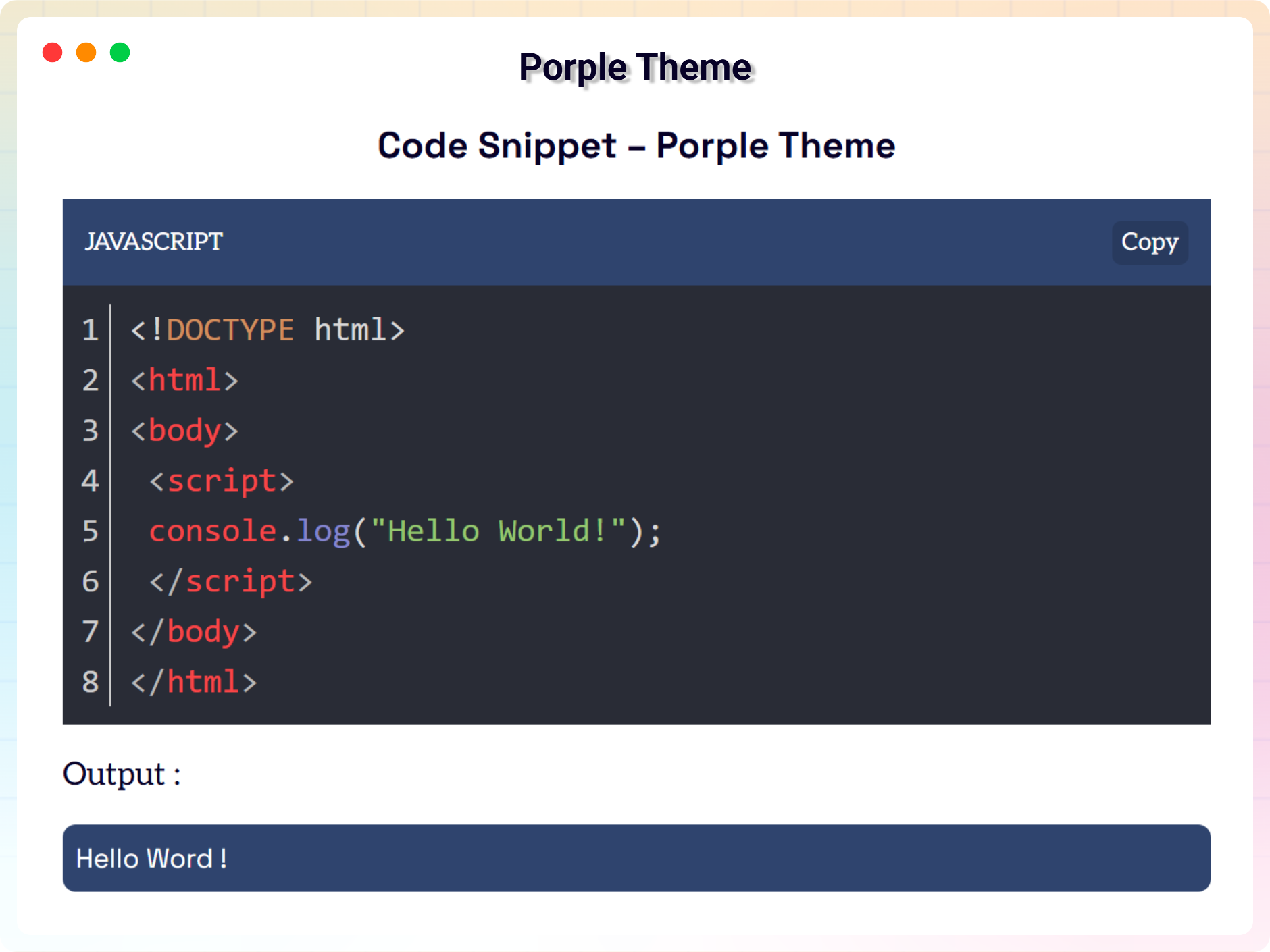
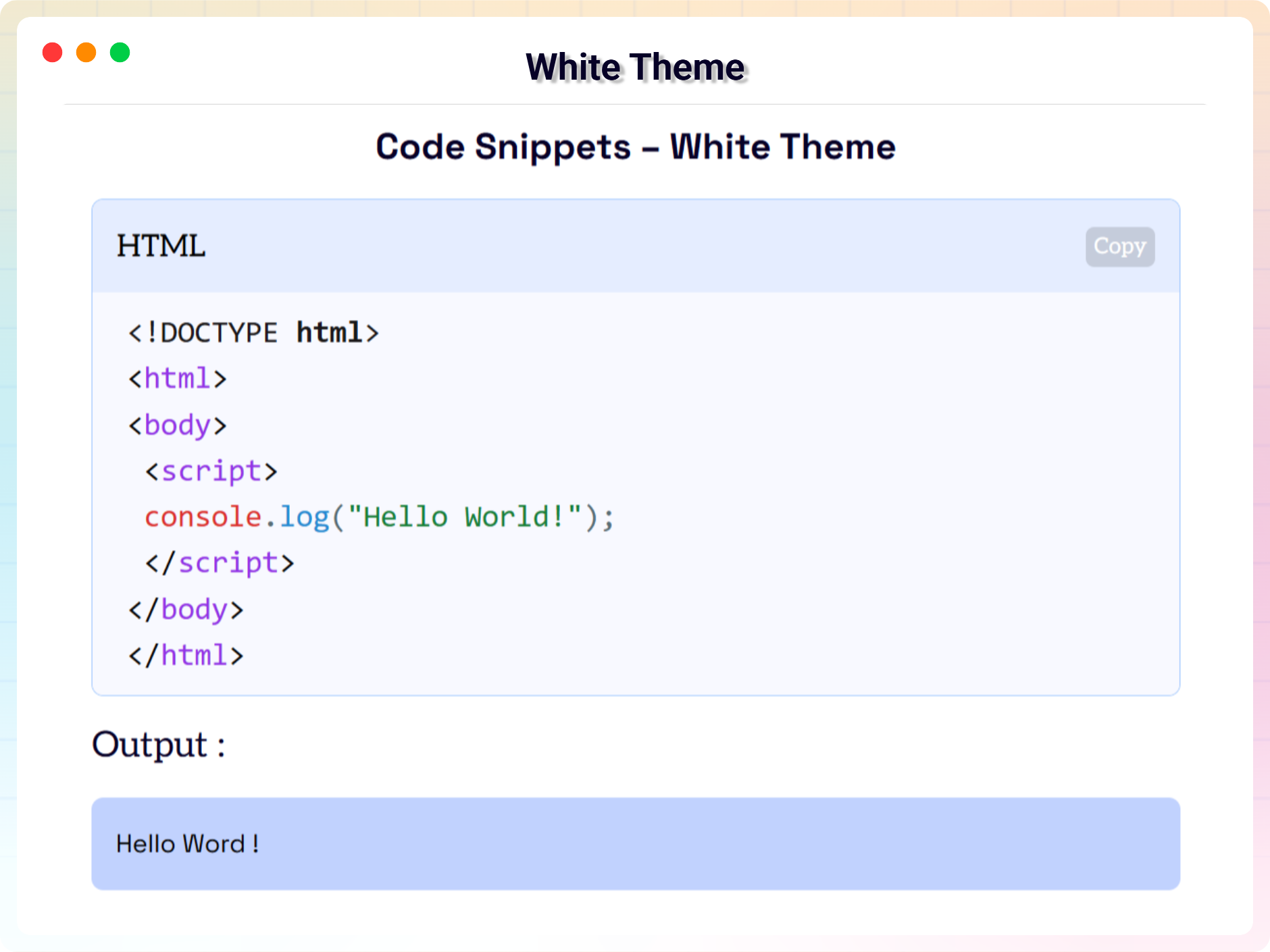
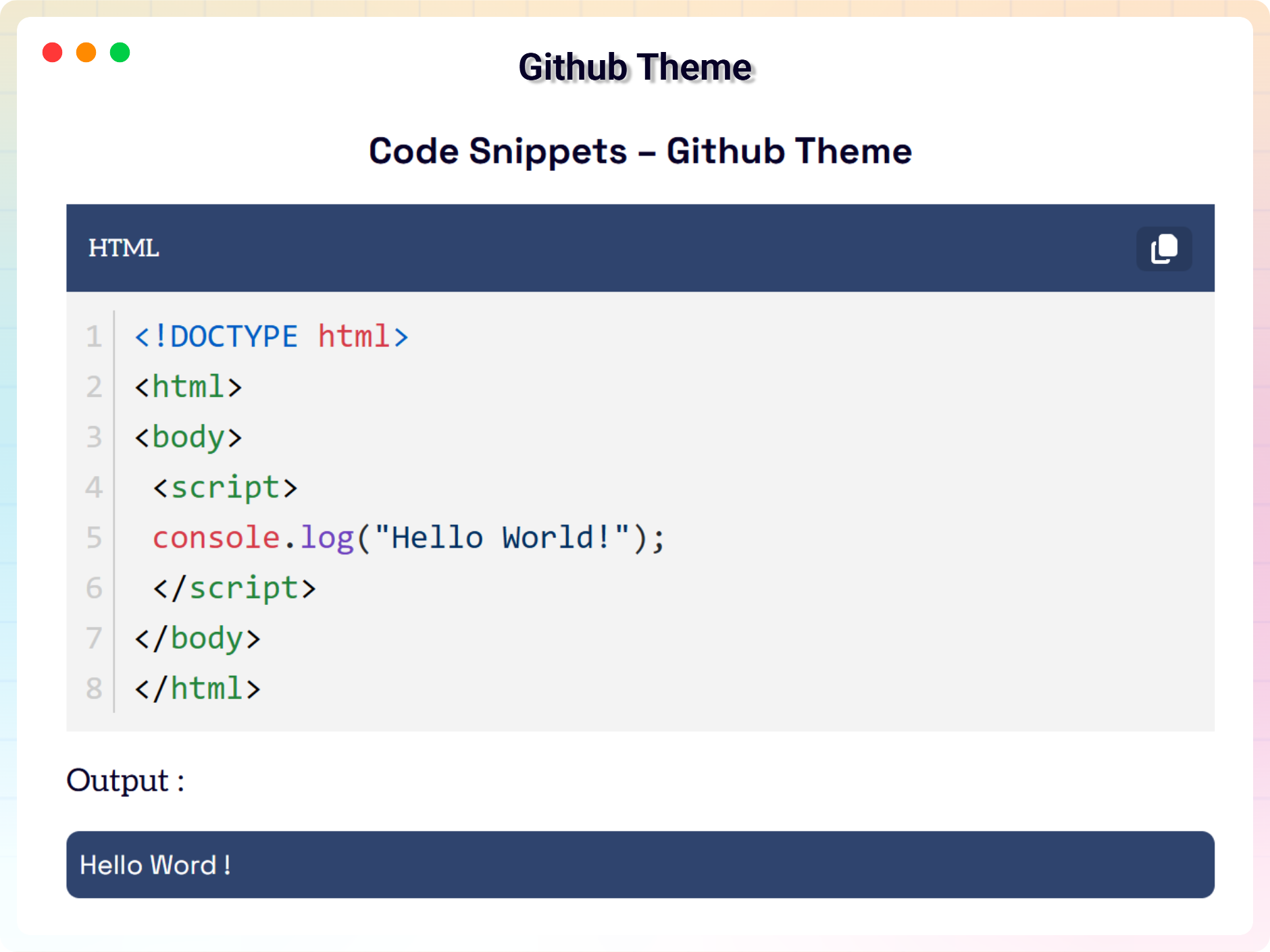
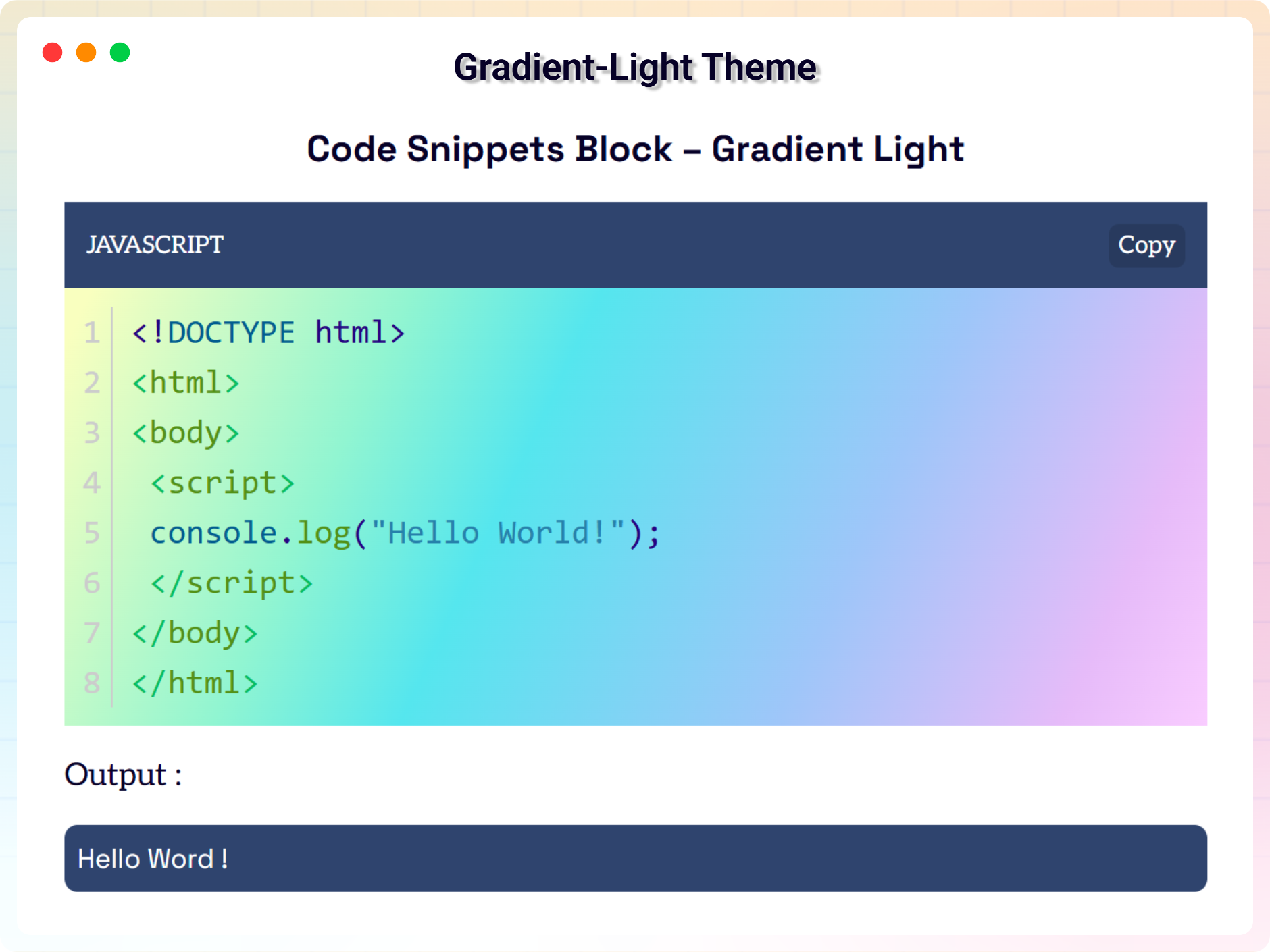
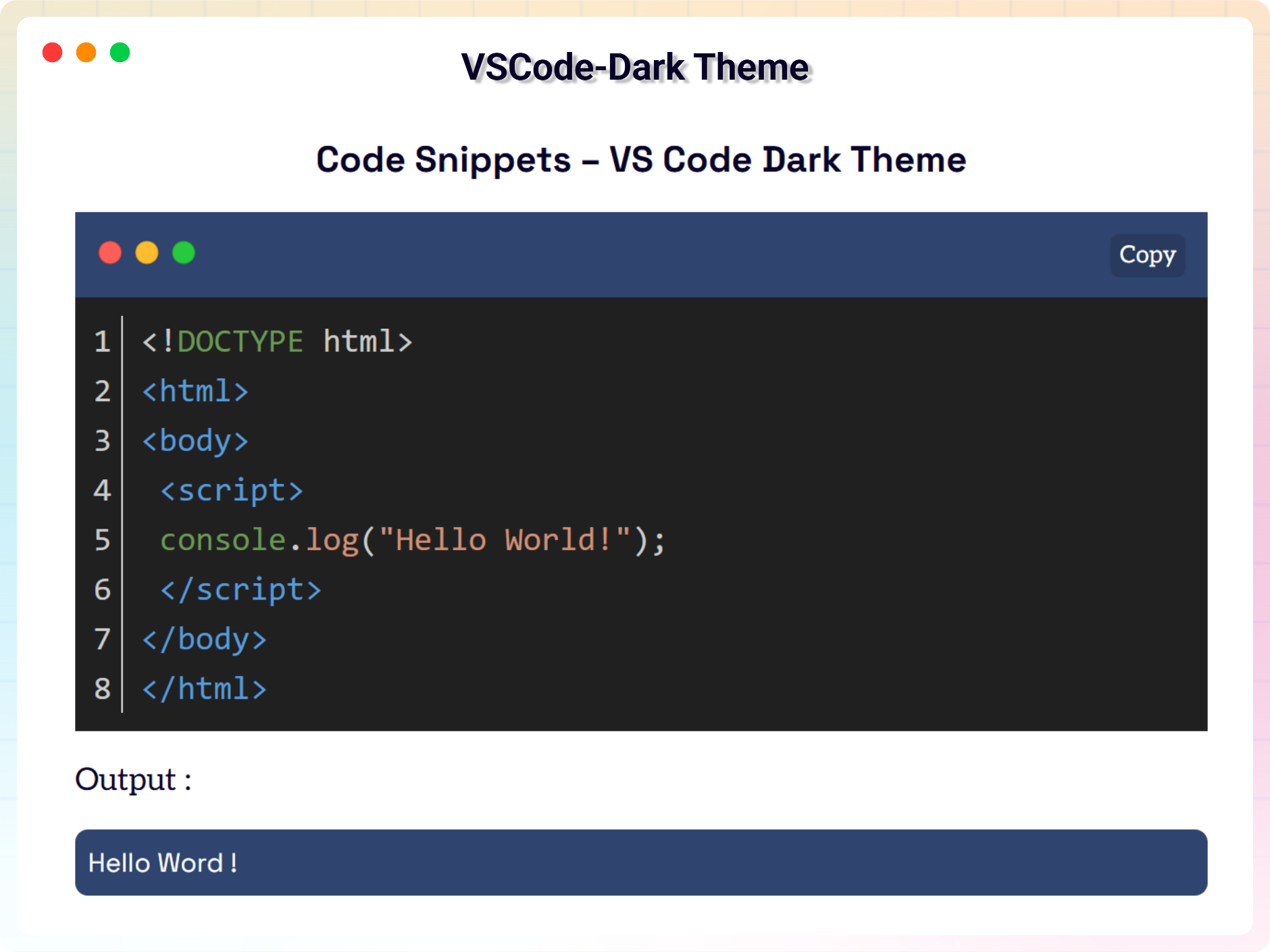
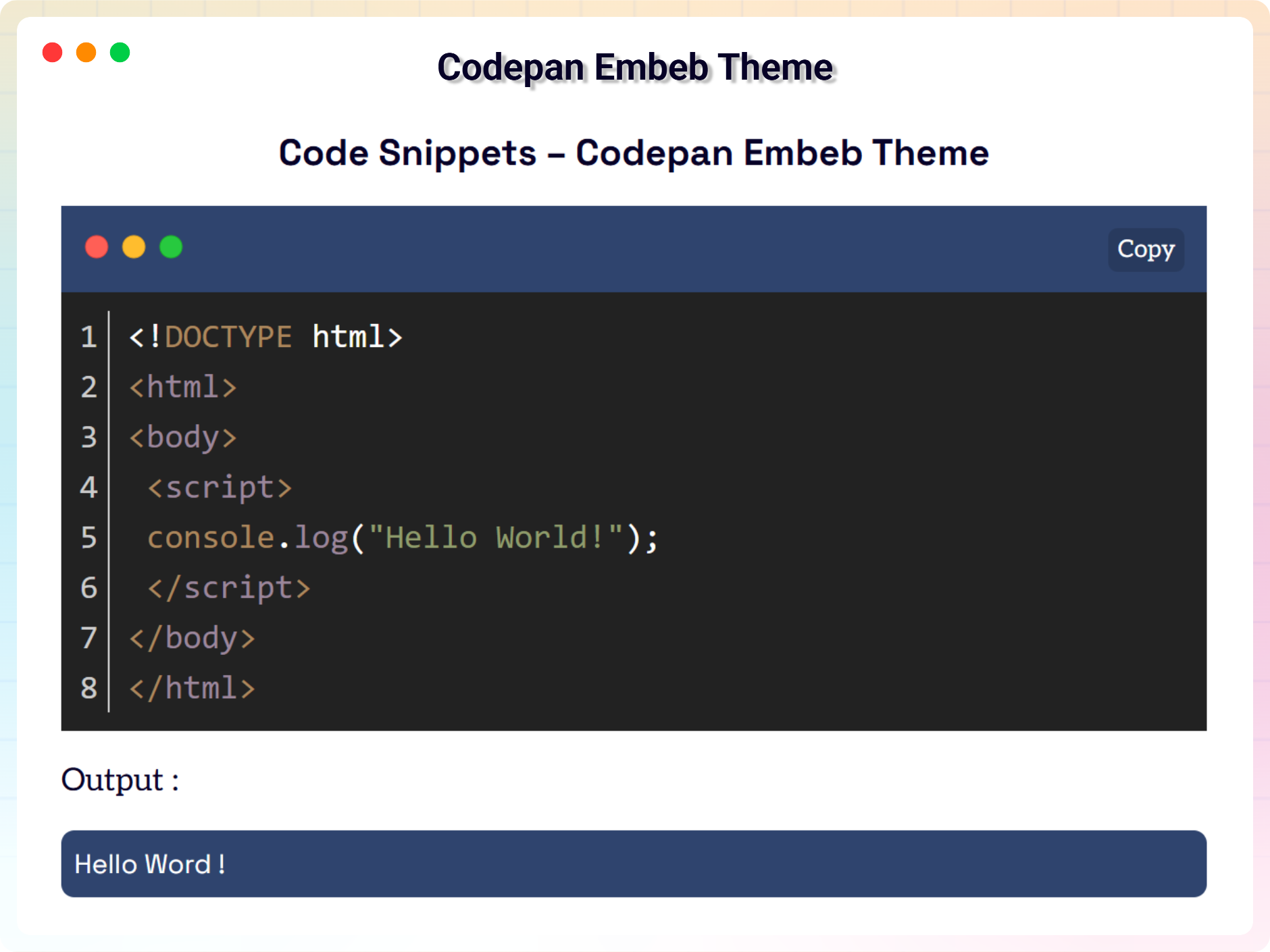
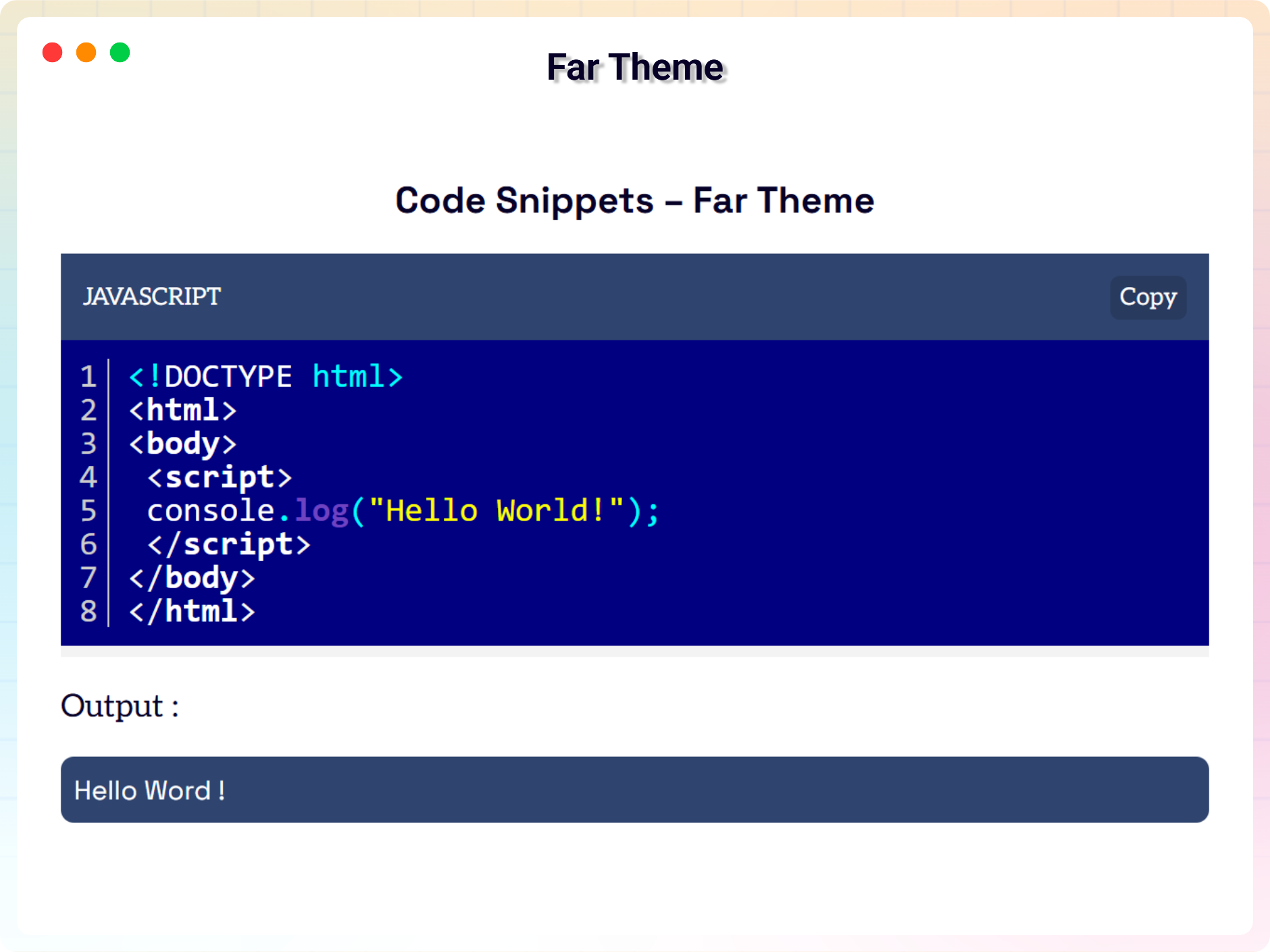
Blocks
This plugin provides 1 block.
- Code The Code Snippets block plugin lets you easily copy, style, and view beautifully highlighted code.
Installation
From Gutenberg Editor:
- Go to the WordPress Block/Gutenberg Editor
- Search For Code Snippets
- Click on the Code Snippets to add the block
Download & Upload:
- Download the Code Snippets Block plugin (.zip file)
- In your admin area, go to the Plugins menu and click on Add New
- Click on Upload Plugin and choose the
code-snippets-block.zipfile and click on Install Now - Activate the plugin and Enjoy!
Manually:
- Download and upload the Code Snippets Block plugin to the
/wp-content/plugins/directory - Activate the plugin through the Plugins menu in WordPress
FAQ
-
Is Code Snippets Block free?
-
Yes, Code Snippets Block is a free Gutenberg block plugin.
-
Does it work with any WordPress theme?
-
Yes, it will work with any standard WordPress theme.
-
Can I change block settings?
-
Yes, you can change block settings from the Gutenberg block editor’s right sidebar.
-
How many times can I reuse a block?
-
You can use unlimited times as you want.
-
Where can I get support?
-
You can post your questions on the support forum here
Reviews
There are no reviews for this plugin.
Contributors & Developers
“Code Block – Embed Code with One-Click Copy Feature” is open source software. The following people have contributed to this plugin.
Contributors


Translate “Code Block – Embed Code with One-Click Copy Feature” into your language.
Interested in development?
Browse the code, check out the SVN repository, or subscribe to the development log by RSS.
Changelog
1.1.0 – 23 June, 2026
- Added new 16 blocks – Run Python (WASM), Code Screencast (Self-Typing), JSON Explorer, Regex Tester, Spotlight Code, Code Snapshot, API Try-It Console, Annotated Code, AI Code Explainer, Diagram as Code, Live Code Playground, Code Diff / Comparison, Multi-Tab Code Switcher, Terminal / Command Line, Remote Code Embed.
- Plugin title change and updated block title
- Updated Dashboard for showcase blocks
- performance issue fixed
1.0.3 – 14 Oct, 2025
- remove extra double
1.0.2 – 27 April, 2025
- border issues fixed;
- Plugin title change, block title change and some assets updated
1.0.1 – 22 April, 2025
- Some issues fixed;
- assets added;
1.0.0
- Initial Release